
Your account area vs your control panel
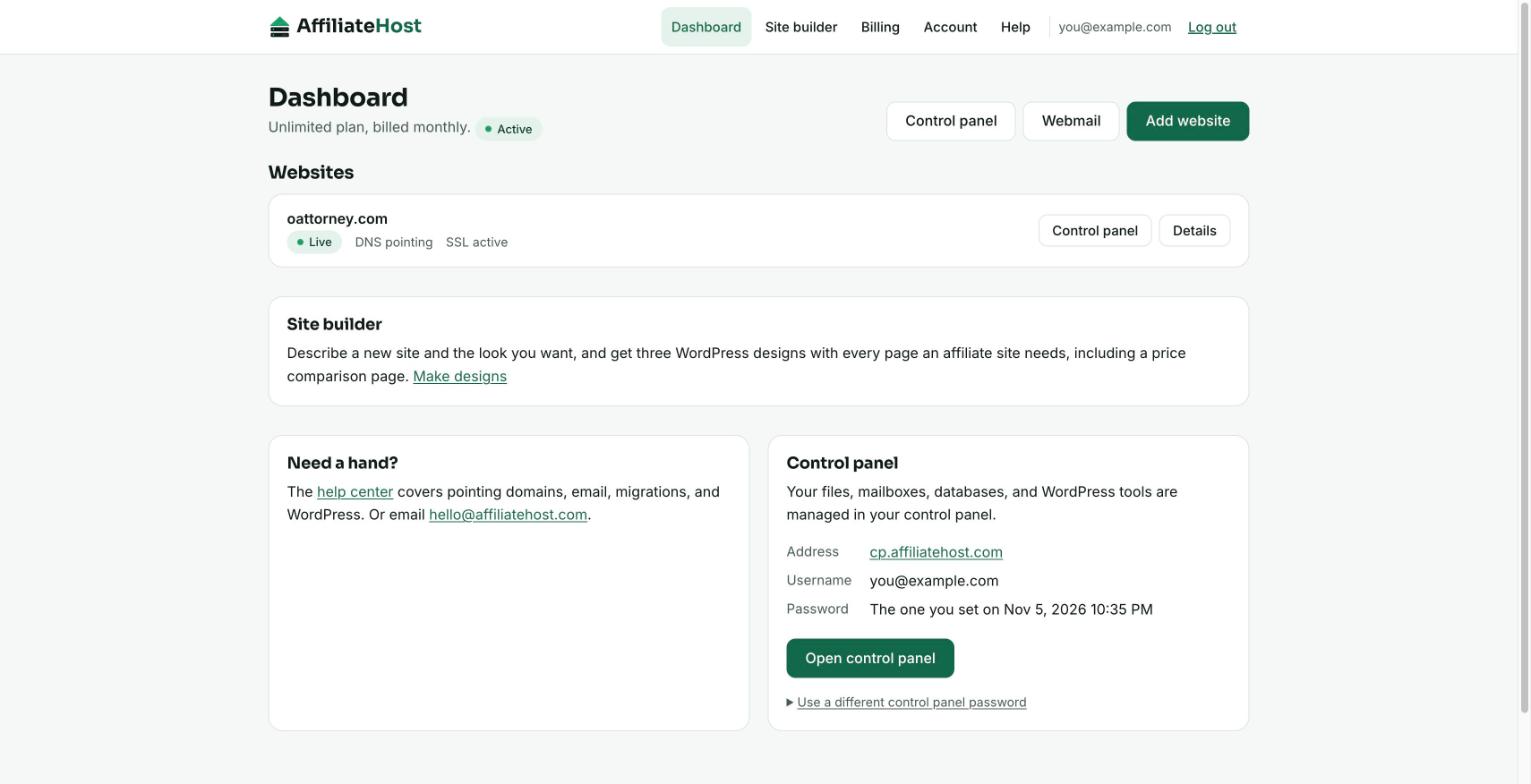
New customers often ask where a setting lives. The short answer: anything about your subscription and your list of sites is in the account area; anything inside a site is in the control panel. The account area shows your control panel address and username, and lets you set its password.
The account area
Address: affiliatehost.com/. It is the home of your AffiliateHost subscription. Use it to:
- See every website on your plan and its status (setting up, active, needs attention).
- Add a website or remove one.
- Check whether a domain is pointing at us and read the DNS instructions for it.
- Find your control panel address and username, and set its password.
- Manage billing: your plan, renewal date, card, invoices, and cancellation.
- Change your name, email, or password, see where you are logged in, and sign out everywhere.
- Delete your account and all data, if you ever want to.
It is deliberately small. There is nothing in it you need to learn.
The control panel
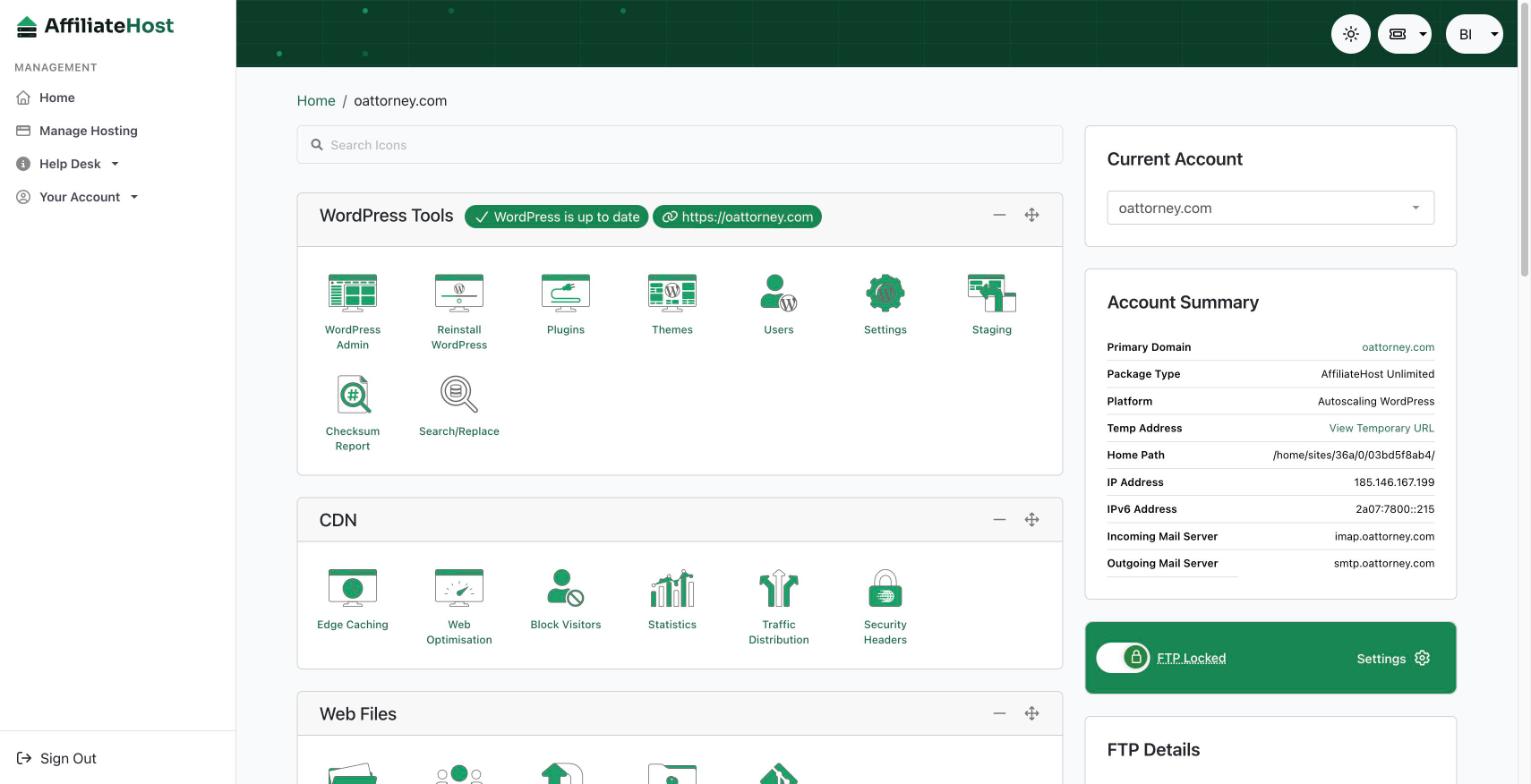
This is the full hosting control panel, where the technical work happens for each site:
- WordPress tools: open the admin, manage plugins and themes, create a staging copy, change the PHP version.
- Email: create mailboxes and forwarders, set up autoresponders, open webmail.
- Files and databases: file manager, FTP and SFTP accounts, phpMyAdmin.
- DNS records for domains that use our nameservers.
- Security tools: SSL, malware scans, password-protected folders, visitor blocking.
- The Help Desk: step-by-step guides for every screen in the panel.
Its address is cp.affiliatehost.com. Sign in with your account email and your control panel password, which is set to your AffiliateHost password whenever you set or change that one. To use a different password, or if you forget it, set a new one from the Control panel box on your dashboard; we email you the login details each time.
Webmail
Webmail is a third address, webmail.affiliatehost.com, where you read mail for any mailbox you create. It uses the mailbox's own address and password, not your account area login. There is a Webmail link in your account area and in the footer of this site.
Which password is which
- Account area
- The email you paid with, plus the password you set from the welcome email. Or skip the password and use an emailed login link.
- Control panel
- Your account email and the control panel password: the same as your account area password unless you set a different one from your dashboard.
- Webmail and mail apps
- The full mailbox address and the mailbox password you set when creating it.
- WordPress admin
- The WordPress login we email you when WordPress is installed on a site. The WordPress tools in the control panel can also open the admin for you.
A simple rule of thumb
If the question has the word "plan", "card", "invoice", "add", or "remove" in it, go to the account area. If it has "plugin", "mailbox", "file", "database", or "DNS record" in it, open the control panel. If you are not sure, start in the account area; everything is linked from there.
Was this helpful? If something here is unclear or out of date, tell us and we will fix it.
Related articles
Detailed control panel how-tos live in the Help Desk inside your control panel. Open it from your account area.