
Adding another website
Every website on AffiliateHost is its own hosting space with its own WordPress install, SSL certificate, mailboxes, and database. Adding one takes about a minute and does not change your bill on Unlimited or Enterprise VPS.
Add a website
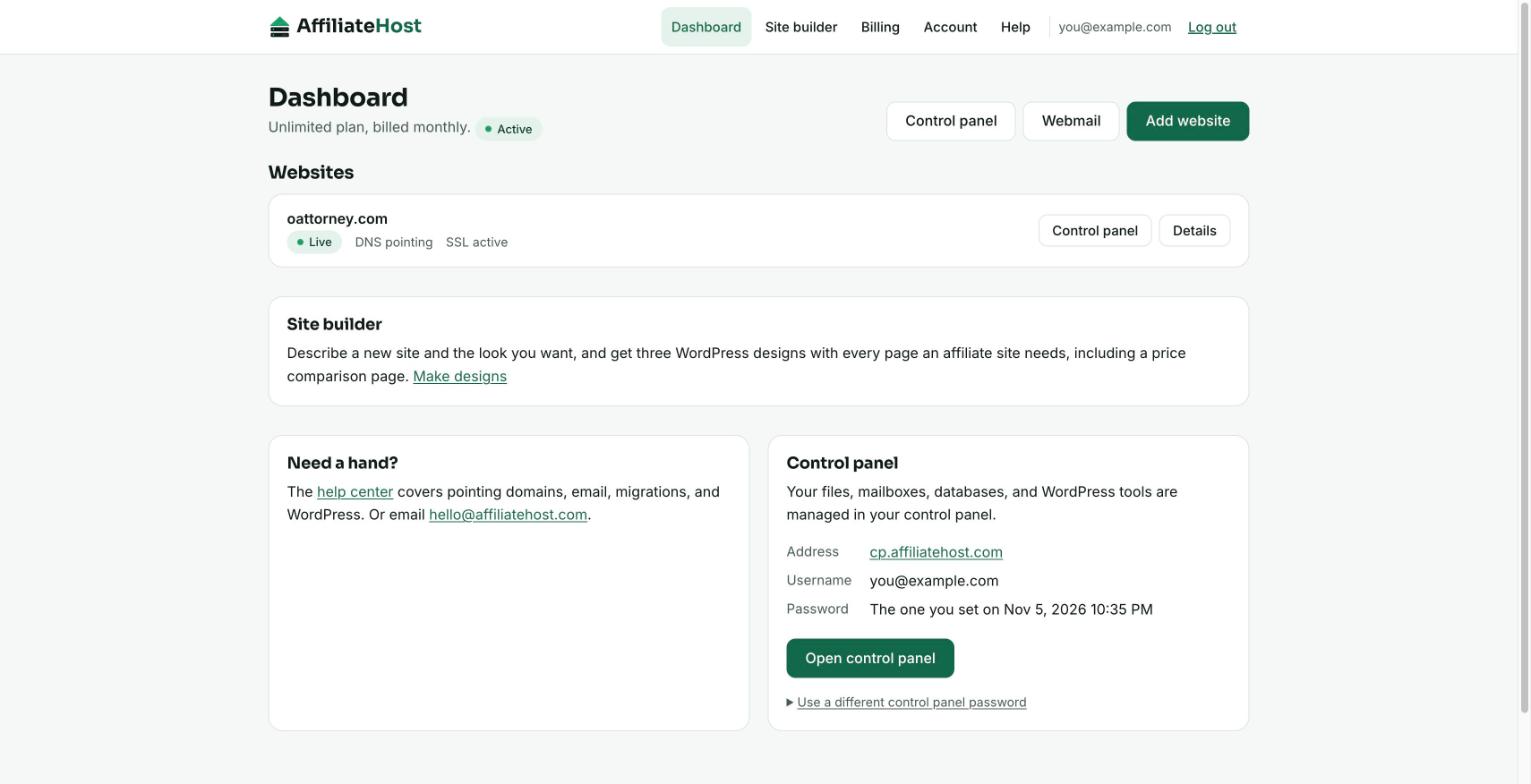
- Log in to your account area and press Add website on the dashboard.
- Type the domain, for example
example.comorreviews.example.com. Leave offhttps://andwww.; we strip them anyway. Non-Latin domains are fine. - Press Create website.
You land on the new site's page, where a timeline shows each step: site created, WordPress installed, waiting for your domain, SSL. The first two steps usually complete within a few minutes. The last two happen once your domain points at us; see Pointing your domain to AffiliateHost.
What you can add
- A domain you own, registered anywhere. We do not sell domains and do not need to.
- A subdomain of a domain you own, as a separate site.
deals.example.comandexample.comcan be two different WordPress installs. - A domain you have not pointed yet. The site is built now; you point the domain whenever you like.
What you cannot add: a domain that is already a live site on another AffiliateHost account (we will tell you), or an affiliatehost.com address. If you need a domain that another customer holds, that customer has to remove it first.
Starter: one website
The Starter plan includes 1 website. If you are on Starter and already have a site, the Add website page shows the price difference to move to Unlimited instead of a form. Upgrading takes effect immediately and Stripe charges only the prorated difference for the rest of your billing period; see Changing your plan. Unlimited and Enterprise VPS have no site limit beyond fair use.
Enterprise VPS
On Enterprise VPS, sites live on your own managed server. "Add website" creates a request to our team instead of building the site instantly; we set it up on your server and email you, usually within one business day.
Testing a niche quickly
Because adding a site is free on Unlimited, a common pattern is: add the domain, point it, install a theme and a handful of plugins from a staging copy of a site you already like, publish twenty articles, and give it ninety days. If it earns, keep going. If not, remove it. There is no per-site fee to think about either way.
Removing a website
From the site page, Remove website deletes the hosting space and everything in it: files, database, and mailboxes. You confirm by typing the domain. This cannot be undone, so take a backup from the control panel first if you might want the content later. Removing a site never changes your subscription price; it only frees the domain to be added again later, by you or anyone else.
Was this helpful? If something here is unclear or out of date, tell us and we will fix it.
Related articles
- Pointing your domain to AffiliateHost
- Installing WordPress
- Changing your plan
- What "unlimited" means (fair use)
Detailed control panel how-tos live in the Help Desk inside your control panel. Open it from your account area.